i Love PowerShell
  • Home
  • My PowerShell Story
  • PowerShell Basics
  • PowerShell for Windows Server
Select Page
PowerShell Objects: Understanding the Pipeline and Output

PowerShell Objects: Understanding the Pipeline and Output

by Michael Simmons | Mar 12, 2023 | PowerShell Basics

PowerShell is a powerful tool for system administrators and IT professionals that enables them to manage, automate, and configure various systems and platforms. One of the key features of PowerShell is the ability to work with objects and the pipeline, which allows...
Basic PowerShell syntax: Cmdlets, parameters, and arguments

Basic PowerShell syntax: Cmdlets, parameters, and arguments

by Michael Simmons | Mar 12, 2023 | PowerShell Basics

When working with PowerShell, understanding the basic syntax is essential. This article will cover the fundamental elements of PowerShell syntax, including cmdlets, parameters, and arguments. Cmdlets Cmdlets are the workhorse of PowerShell. They are small,...
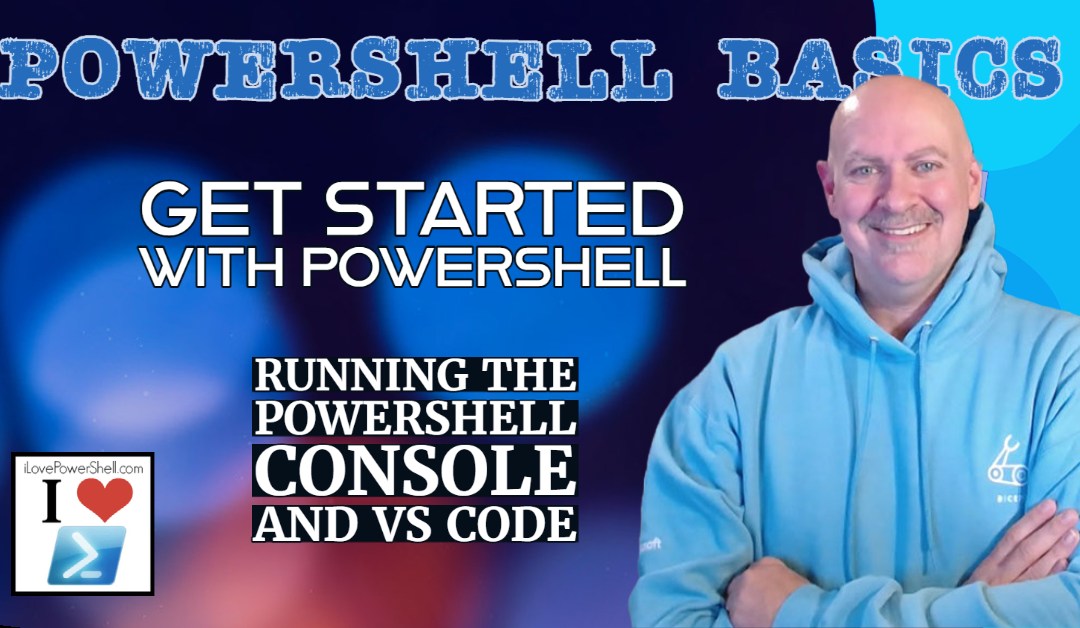
Getting Started with PowerShell: The PowerShell Console and VS Code

Getting Started with PowerShell: The PowerShell Console and VS Code

by Michael Simmons | Mar 12, 2023 | PowerShell Basics

PowerShell is a powerful scripting language and command-line shell that is designed to automate system administration tasks and manage Windows-based environments. With the release of PowerShell 7, it has also become a cross-platform tool that can run on Windows,...
Install PowerShell on Windows, Linux or Mac

Install PowerShell on Windows, Linux or Mac

by Michael Simmons | Mar 11, 2023 | PowerShell Basics

PowerShell is a powerful command-line tool that enables system administrators and developers to automate tasks and manage systems more efficiently. While PowerShell is native to Windows, the latest versions are available on all modern operating systems. So no matter...
Introduction to PowerShell: What It Is and Why You Should Use It

Introduction to PowerShell: What It Is and Why You Should Use It

by Michael Simmons | Mar 11, 2023 | PowerShell Basics

Introduction: As a non-developer or system administrator, you might think that learning a programming language is not necessary. After all, you’re not a software developer, right? Wrong. As technology continues to evolve at an ever-increasing pace, it’s...
« Older Entries
Next Entries »

Recent Posts

  • System Information: Getting Hardware, Software, and OS Details
  • Windows Registry with PowerShell: Reading, Writing and Deleting Keys
  • PowerShell for Networks: Pinging, Testing, and Scanning
  • Monitoring Processes with Custom Performance Counters
  • PowerShell for Process Management: Starting, Stopping, and Monitoring Processes

Archives

  • April 2023
  • March 2023
  • August 2021
  • September 2020
  • November 2019
  • October 2019
  • May 2018
  • April 2017
  • March 2017
  • February 2017
  • September 2015
  • June 2015
  • May 2015
  • March 2015
  • January 2015
  • September 2014
  • May 2014
  • August 2013
  • July 2013
  • March 2013
  • September 2012
  • December 2011
  • November 2011
  • March 2011
  • December 2010
  • July 2010
  • May 2010
  • April 2010
  • March 2010

Categories

  • Azure
  • books
  • PowerShell (Modern)
  • PowerShell Basics
  • PowerShell for Windows Server
  • Windows PowerShell (Legacy)